
What if your team could spend less time on repetitive tasks and more time moving your business forward? With Microsoft Copilot, that possibility is becoming a reality.
Artificial intelligence is changing the way businesses operate, but you don't need to overhaul your entire technology environment to take advantage of it.
If your organization already uses Microsoft 365, you may be closer to unlocking the benefits of AI than you think.
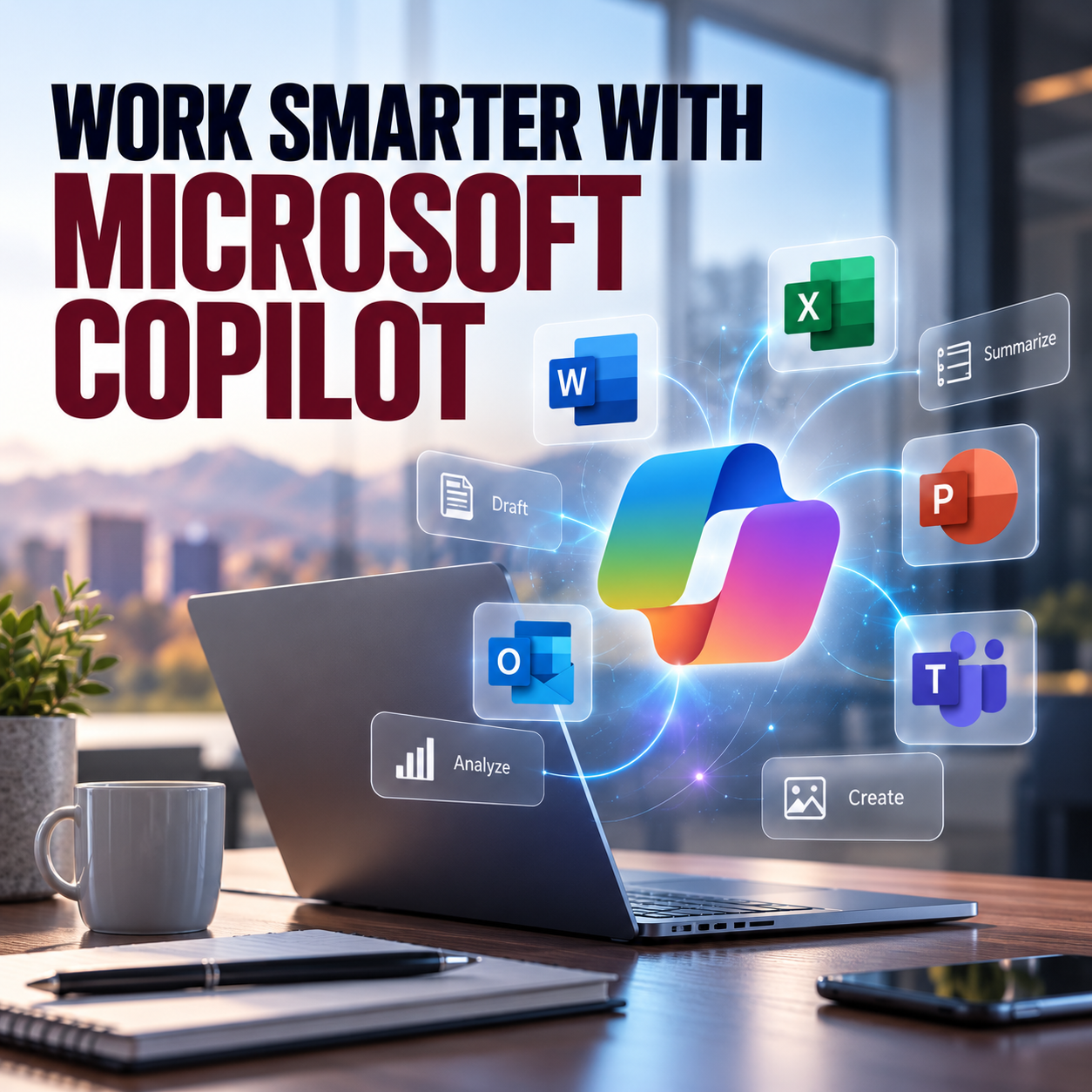
Microsoft 365 Copilot brings AI-powered assistance into familiar applications like Outlook, Word, Excel, PowerPoint, and Teams, helping employees streamline everyday tasks, improve collaboration, and make more informed decisions.
For small and midsized businesses across Denver and Colorado, the opportunity isn't just about adopting new technology. It's about getting more value from the technology you're already using.
What Is Microsoft Copilot?
Microsoft 365 Copilot is an AI-powered productivity assistant designed to help employees work more efficiently within Microsoft 365 applications.
Instead of switching between multiple tools or spending hours completing routine tasks, employees can use natural language prompts to draft documents, summarize meetings, analyze information, and organize their work.
Think of Copilot as a digital assistant that helps your team accomplish more without adding unnecessary complexity to their day.
While specific features depend on your Microsoft 365 licensing and configuration, Copilot offers practical benefits across nearly every department.
7 Ways Microsoft Copilot Can Benefit Your Business
1. Save Time on Everyday Tasks
How much of your team's day is spent responding to emails, reviewing documents, or organizing information?
These activities are necessary, but they can also consume valuable time.
Microsoft Copilot helps reduce the manual effort involved in routine work, allowing employees to focus on responsibilities that require their expertise.
For example, Copilot can help:
- Draft and refine emails in Outlook.
- Summarize lengthy documents in Word.
- Organize notes and create action items.
- Generate first drafts of reports and proposals.
- Quickly locate and summarize relevant information.
The business benefit: Less time spent on administrative work and more time available for customers, projects, and strategic priorities.
2. Make Meetings More Productive
Meetings are essential for collaboration, but keeping track of discussions, decisions, and follow-up tasks can be challenging.
Microsoft Copilot in Teams can help summarize meeting conversations, highlight important discussion points, and identify action items when the appropriate meeting features are enabled.
Instead of spending additional time reviewing notes or catching up on conversations, employees can focus on the next steps.
The business benefit: More productive meetings, clearer accountability, and fewer important details falling through the cracks.
3. Turn Business Data Into Actionable Insights
Your business generates valuable information every day. The challenge is finding the time to analyze it.
Microsoft Copilot in Excel can assist with understanding spreadsheets, identifying trends, generating formulas, and exploring data.
For example, a business owner might use Copilot to review sales performance, compare expenses, or identify patterns in operational data.
This can make information more accessible to employees who aren't Excel experts.
The business benefit: Faster analysis, better visibility into performance, and more time to make informed business decisions.
4. Create Better Content in Less Time
Whether your team is preparing client proposals, internal communications, reports, or presentations, creating professional content takes time.
Microsoft Copilot can help employees move from an initial idea to a working draft more efficiently.
In Word, Copilot can assist with drafting, editing, and summarizing documents. In PowerPoint, it can help organize ideas into presentations and refine existing slides.
Employees remain responsible for reviewing the content, ensuring accuracy, and adding the expertise that makes it valuable.
The business benefit: Faster content creation, more consistent communication, and less time starting from scratch.
5. Improve Team Collaboration
When information is spread across emails, documents, meetings, and conversations, staying aligned can become difficult.
With the appropriate licensing and permissions, Microsoft 365 Copilot can help employees find and summarize relevant information across their work environment.
This can be particularly valuable for businesses managing multiple projects, remote employees, or departments that need to collaborate regularly.
The business benefit: Better information sharing, fewer communication gaps, and improved coordination across teams.
6. Help Employees Focus on Higher-Value Work
One of the greatest benefits of Microsoft Copilot isn't simply completing tasks faster. It's creating more time for meaningful work.
Consider how much more your employees could accomplish if they spent less time formatting documents, organizing notes, or searching through email threads.
Sales teams could spend more time building relationships. Managers could focus on coaching employees. Business owners could dedicate more attention to strategy and growth.
Copilot doesn't replace the experience, judgment, or creativity of your employees. It helps them use those strengths more effectively.
The business benefit: Greater productivity without necessarily increasing workloads or headcount.
7. Get More Value From Your Microsoft 365 Investment
Many businesses already rely on Microsoft 365 for communication, collaboration, and daily operations.
Microsoft Copilot offers an opportunity to extend the value of that existing technology environment.
Rather than introducing an entirely separate productivity platform, Copilot brings AI capabilities into applications employees already know.
However, successful adoption requires more than enabling a license.
Businesses need to evaluate their Microsoft 365 environment, understand which features are available, establish appropriate security controls, and train employees to use AI effectively.
The business benefit: A more strategic approach to technology investments and an opportunity to improve the return on your Microsoft 365 environment.
What About Microsoft Copilot Security?
As businesses explore AI, data security and privacy should remain top priorities.
Microsoft 365 Copilot is designed to work within Microsoft's enterprise security and permission framework. It respects existing user access permissions, meaning employees should only be able to retrieve organizational information they're authorized to access.
However, this also makes proper Microsoft 365 configuration especially important.
If sensitive files are accessible to more employees than necessary, Copilot may make that information easier for those employees to discover.
Before rolling out Copilot, businesses should review:
- User permissions and access to sensitive files.
- Microsoft 365 security configurations.
- Data governance and information sharing policies.
- Employee AI usage guidelines.
- Licensing requirements and available Copilot features.
A secure, well-managed Microsoft 365 environment is an important foundation for successful AI adoption.
How to Get Started With Microsoft Copilot
You don't need to transform your entire business overnight to start seeing value from AI.
The best approach is to begin with a clear understanding of your business goals and identify where Copilot could make the biggest difference.
Start by asking a few simple questions:
- Which repetitive tasks consume the most employee time?
- Where could better collaboration improve productivity?
- Are employees already using AI tools without formal guidance?
- Is our Microsoft 365 environment properly configured and secured?
- Do we have a plan for employee training and adoption?
From there, businesses can identify practical use cases, test Copilot with a small group of employees, and expand adoption as they begin seeing results.
The goal shouldn't be to implement AI simply because it's available. It should be to solve real business challenges.
Make AI Work for Your Business, Not the Other Way Around
Artificial intelligence is creating new opportunities for businesses to operate more efficiently, but technology alone doesn't guarantee better results.
The real value comes from understanding how to apply it.
At Bespoke Technology Group, we believe technology should simplify your operations, support your employees, and help your business move forward.
With a proactive approach to IT management, Microsoft 365, and cybersecurity, businesses can build a stronger technology foundation for adopting tools like Microsoft Copilot.
Whether you're exploring AI for the first time or looking to get more from your existing Microsoft 365 investment, having the right IT partner can help you make smarter technology decisions.
Ready to Work Smarter With Microsoft Copilot?
Your team may already have the tools. Now it's time to explore what more they can do.
Connect with Bespoke Technology Group to discuss your Microsoft 365 environment, evaluate your AI readiness, and discover opportunities to improve productivity while keeping security a priority.
Contact Bespoke Technology Group to start the conversation.