
Your password might be strong. It might be long, unique, and impossible to guess.
But what happens if a cybercriminal doesn't need to guess it?
Passwords can be stolen through phishing emails, compromised websites, credential-stealing malware, data breaches, and other attacks. Once an attacker has a username and password, a business relying on passwords alone may have very little standing between that attacker and its email, files, financial information, or customer data.
That's where multi-factor authentication (MFA) comes in.
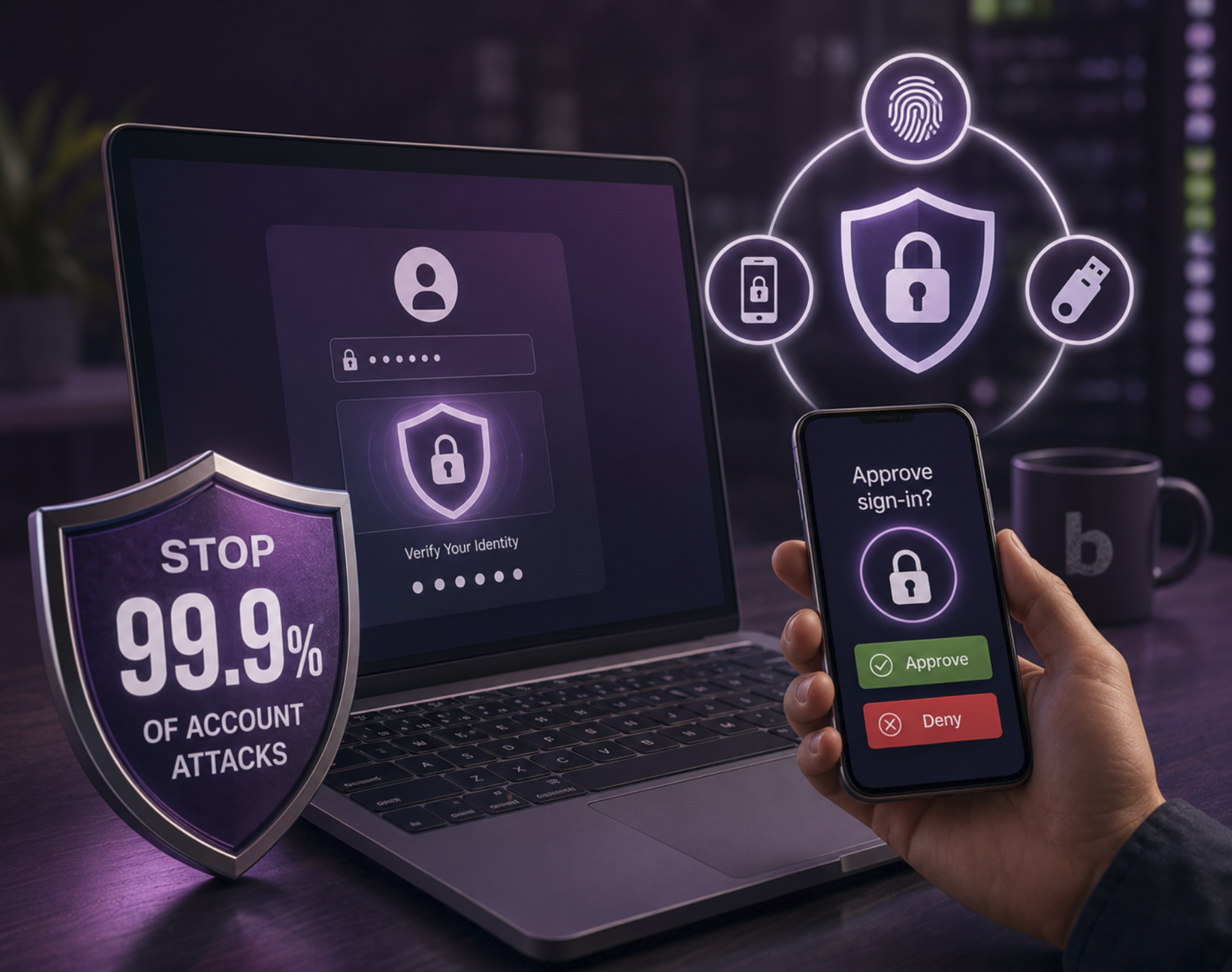
Microsoft has reported that MFA can block more than 99.9% of account compromise attacks. That's an enormous security improvement from one relatively straightforward change.
For small and midsized businesses, enabling MFA should be one of the first steps toward building a stronger cybersecurity strategy.
What Is Multi-Factor Authentication?
Multi-factor authentication is a security method that requires you to provide more than one form of verification before accessing an account.
Instead of asking only:
"What's your password?"
MFA essentially asks:
"What's your password—and can you prove you're really you?"
That additional verification can involve something you know, something you have, or something uniquely tied to you.
For example, after entering your password, you might verify your identity using:
- An authenticator app
- A security key
- A passkey
- A biometric such as a fingerprint
- A one-time verification code
The important part is that stealing your password alone is no longer enough.
Why MFA Is So Effective
Think of your password as the lock on the front door of your business.
If someone steals the key, they can walk right in.
MFA adds another locked door behind the first one.
A cybercriminal may successfully steal an employee's password through phishing or obtain credentials exposed in a previous data breach. But when the attacker attempts to log in, MFA requires another form of authentication.
Suddenly, that stolen password isn't nearly as useful.
That's why Microsoft has found that MFA can prevent more than 99.9% of account compromise attacks.
It's also why MFA has become a fundamental cybersecurity recommendation for businesses of virtually every size.
The Password Problem Isn't Going Away
Strong passwords still matter. But passwords alone aren't enough.
Consider a common scenario.
An employee receives an email that looks like a legitimate Microsoft 365 notification. They're told their password is expiring and they need to log in immediately.
The employee clicks the link.
The website looks convincing.
They enter their username and password.
Unfortunately, the page belongs to an attacker.
Without MFA, those stolen credentials may give the attacker everything they need to attempt to access the employee's account.
With properly configured MFA, there's another barrier standing in their way.
That distinction can be the difference between an unsuccessful phishing attempt and a serious business security incident.
What Types of Attacks Can MFA Help Prevent?
MFA is particularly valuable because it reduces the usefulness of stolen passwords.
Phishing Attacks
Phishing remains one of the most common ways criminals attempt to steal login credentials. MFA provides another layer of verification if a user accidentally gives away a password.
Credential Stuffing
Cybercriminals routinely take usernames and passwords exposed in previous breaches and automatically test them against other services.
If an employee reused a password, attackers could get a match.
MFA makes the password alone insufficient.
Password Spraying
Instead of trying hundreds of passwords against one account, attackers can try commonly used passwords against hundreds or thousands of accounts.
MFA makes successful password guessing significantly less valuable because another authentication factor is still required.
Compromised Credentials
Credentials are stolen and traded every day. Businesses can't always control whether a third-party service experiences a breach, but they can make stolen credentials considerably harder to use.
That's exactly what MFA is designed to do.
Not All MFA Is Created Equal
There's an important catch.
Simply having MFA doesn't mean every MFA configuration provides the same level of protection.
Cybercriminals have adapted.
One example is an MFA fatigue attack, sometimes called MFA bombing or push bombing. An attacker who already has a victim's password repeatedly sends authentication requests to the person's device.
Buzz.
Decline.
Buzz.
Decline.
Buzz.
Eventually, an exhausted or distracted employee may tap Approve simply to make the notifications stop.
The attacker is in.
This doesn't mean MFA doesn't work. It means businesses need to implement it correctly.
Use Phishing-Resistant MFA Whenever Possible
For stronger protection, businesses should consider phishing-resistant MFA.
Options such as passkeys, FIDO2 security keys, Windows Hello for Business, and other modern authentication methods can provide stronger protection against sophisticated credential attacks.
Authenticator apps are generally preferable to relying exclusively on SMS verification, and phishing-resistant authentication should be the goal wherever your technology supports it.
Your MFA strategy should also cover the accounts attackers are most interested in, including:
- Microsoft 365 and business email
- Administrator accounts
- Remote access and VPN accounts
- Cloud applications
- Financial systems
- File storage platforms
- Customer and business management systems
- Any account containing sensitive company or client information
The goal isn't simply to turn on MFA somewhere.
It's to build an authentication strategy that protects your business where it matters most.
MFA Should Be Part of a Layered Cybersecurity Strategy
MFA is incredibly effective, but no single cybersecurity tool can stop every attack.
Your business still needs multiple layers of protection.
That can include endpoint detection and response, security monitoring, email protection, employee cybersecurity training, software updates and patching, secure backups, access controls, and a documented incident response strategy.
Think of MFA as one exceptionally important layer in that larger defense.
If an attacker gets past one security measure, another is waiting behind it.
That's how businesses become harder to compromise.
Start With the Accounts That Matter Most
If your business doesn't currently require MFA everywhere, don't let the size of the project prevent you from getting started.
Prioritize your highest-risk accounts first.
Start with administrators, executives, finance teams, employees with access to sensitive customer information, remote access accounts, and company email.
Then expand MFA across the organization.
And don't stop at simply enabling it.
Make sure your MFA settings are configured correctly, outdated authentication methods are addressed, and employees understand what legitimate authentication requests should look like.
If someone receives an MFA request they didn't initiate, they should know:
Don't approve it.
That unexpected notification could be the warning that someone already has their password.
One Small Change Can Make Your Business Much Harder to Attack
Cybersecurity can feel overwhelming.
There are new vulnerabilities, new attack techniques, and new security products appearing constantly. It's easy for a small or midsized business to wonder where to even begin.
MFA is one of those rare cybersecurity measures that combines simplicity with an enormous potential security benefit.
You don't need to make your business impossible to attack.
You need to make it significantly harder to compromise.
Multi-factor authentication is one of the best places to start.
Is Your Business Properly Protected With MFA?
Turning on MFA is important. Configuring it correctly across your organization is even more important.
At Bespoke Technology Group, we believe cybersecurity shouldn't be a maze of dashboards, jargon, and products you don't understand.
We help businesses identify their real risks, strengthen their security, protect their people, and create practical cybersecurity strategies built around how they actually work.
From MFA and Microsoft security to employee training, endpoint protection, threat monitoring, and ongoing cybersecurity guidance, we'll help you understand where you're vulnerable and what to do next.
Want to know whether your business's accounts are properly protected?
Talk with Bespoke Technology Group and start building a safer, stronger IT environment—with technology and security that still have a human touch.